
Start from an active record
Open the label maker directly from a chemical in the active library to begin with its indexed information.
Open the label maker from an active chemical record, choose a layout and render a printable label using the product and hazard information associated with that record.
The secondary-container label maker gives administrators and employees template choices, display controls and downloadable label PDFs. Choose from supported Avery sheet labels and individual label-maker layouts.
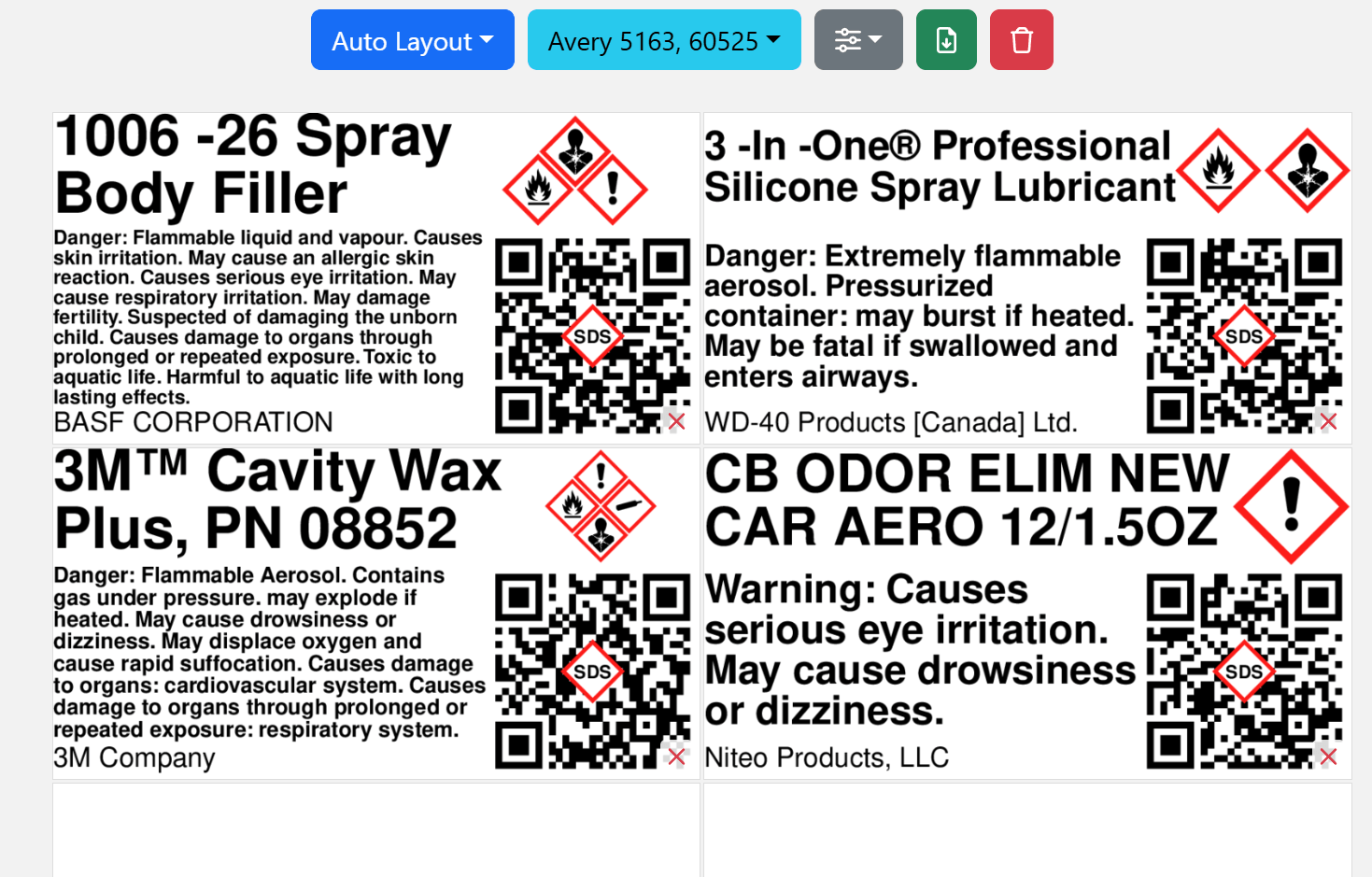
Use the same chemical record as the source of truth instead of rebuilding product and hazard details by hand for each label run.
Open the label maker directly from a chemical in the active library to begin with its indexed information.
Choose templates and display options to determine which available elements are shown on the rendered label.
Download label PDFs for printing with the appropriate selected template and printer settings.