
Define a standing search
Configure a Smart Tag with one or more content keywords for the product property, ingredient or topic you need to follow.
SDS Content Search lets administrators search the text within all stored safety data sheets for a term, property or CAS number. It looks inside the documents themselves, not just at a product name or record field.
Safety data sheets contain 16 sections of information. SDS Content Search scans that document text across your entire library, making it practical to look for an ingredient, CAS number, hazard term, regulatory phrase or another keyword that may not appear in a product’s title.
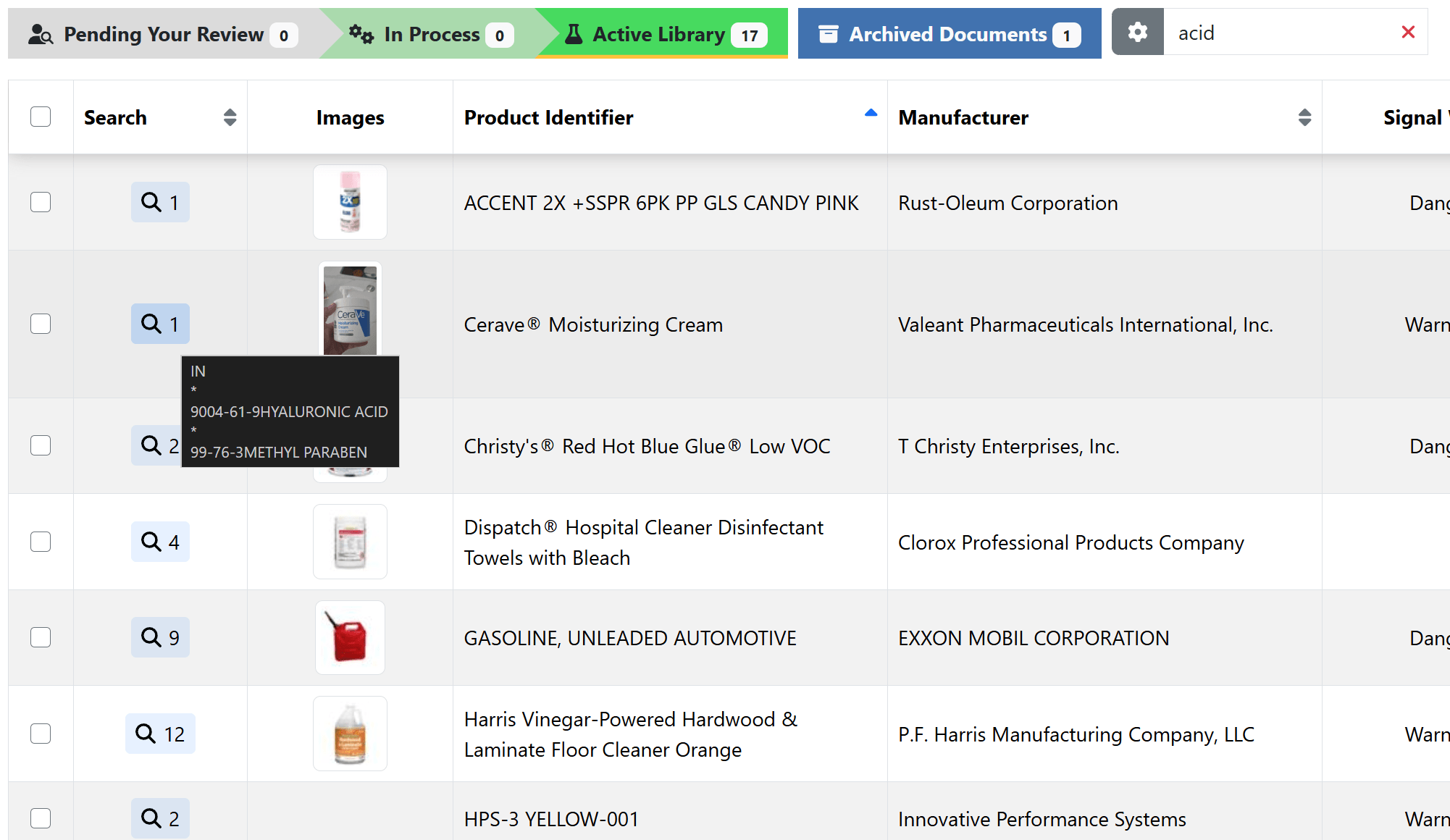
A Smart Tag is a standing SDS Content Search built from one or more keywords. It automatically tags matching SDSs already in the library and applies the tag to future SDSs as they are loaded.
Configure a Smart Tag with one or more content keywords for the product property, ingredient or topic you need to follow.
Matching documents already in the library are tagged, and the same search continues to categorize new SDSs as they are loaded.
Use a Smart Tag as a library filter to focus detailed reviews, including work that may support Tier II or other reporting processes. You can also receive an automatic email notification whenever a Smart Tag is applied to a matching SDS.