
Scan to open the library
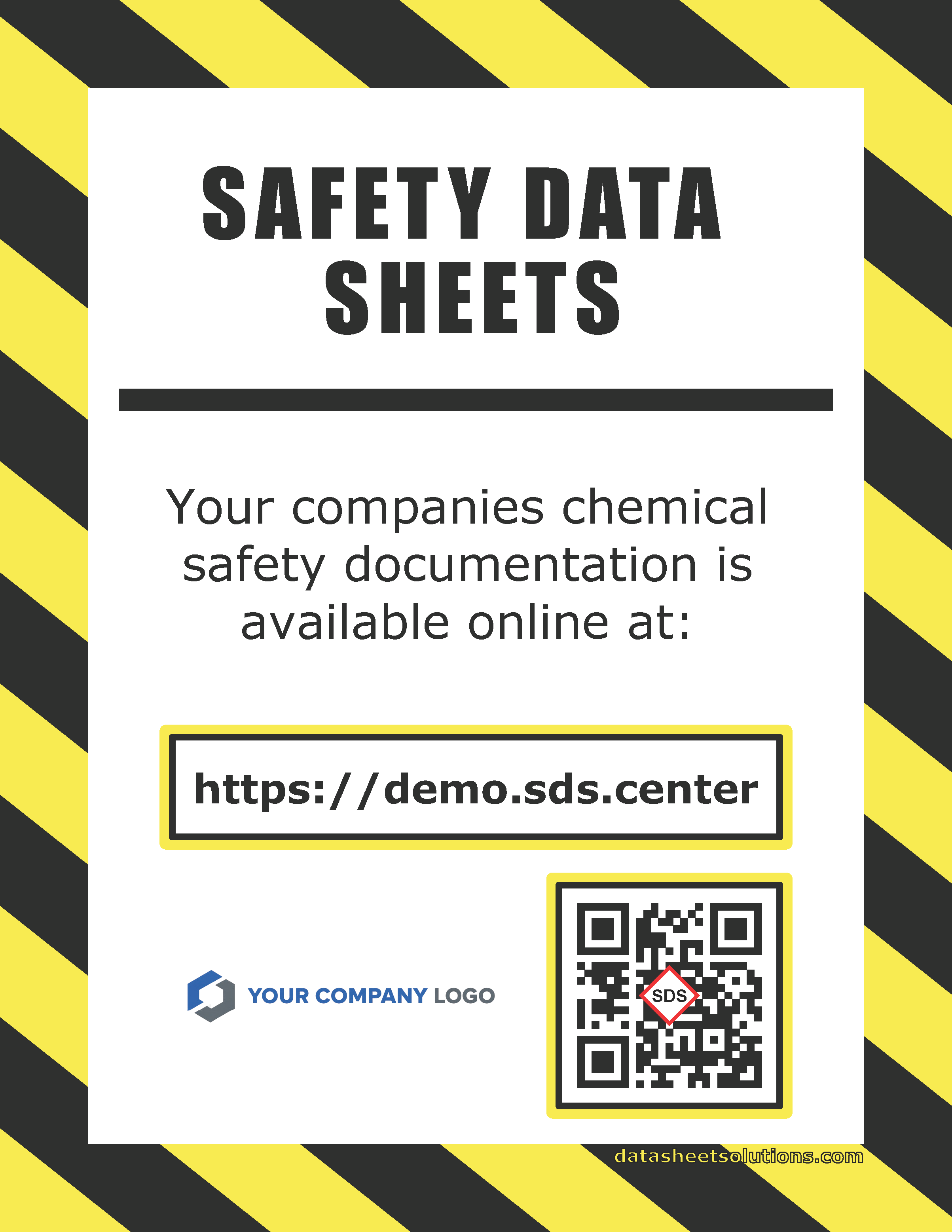
Post a QR code where employees work. They can scan it with any phone, tablet or computer camera to open the portal in a browser.
Publish a searchable SDS portal at a custom web address so employees can find documents from a phone, tablet or computer without sorting through binders or shared drives. No download, installation or employee account is required—employees can simply scan a QR code with any device.
Employees can browse or search the active library by product, manufacturer, AKA, product number or barcode. They can scan a QR code to open the library in a browser on any device, without downloading an app, installing software or creating an employee account. Product photos, signal words and GHS pictograms help them recognize the correct chemical before opening its SDS.
The portal is the employee-facing view of your active library. Administrators control the records while employees can reach the library through a simple QR code—no app, installation or account required.
Post a QR code where employees work. They can scan it with any phone, tablet or computer camera to open the portal in a browser.
Employees can use the name on a label, the manufacturer name, an alternate name, a product identifier or a barcode.
Choose open access, employee login, IP allowlists or email verification based on your portal settings.