
Set administrative roles
Use groups and permissions to distinguish system-wide administrators from people who work with selected locations.
Set up administrative roles, delegate location-focused work and configure the employee portal with the access model that fits your organization.
User Administration separates users and groups. Default roles include Super Admin, Admin and Location POC, while portal settings can allow unrestricted access, require employee login, limit requests by IP address or require email verification.
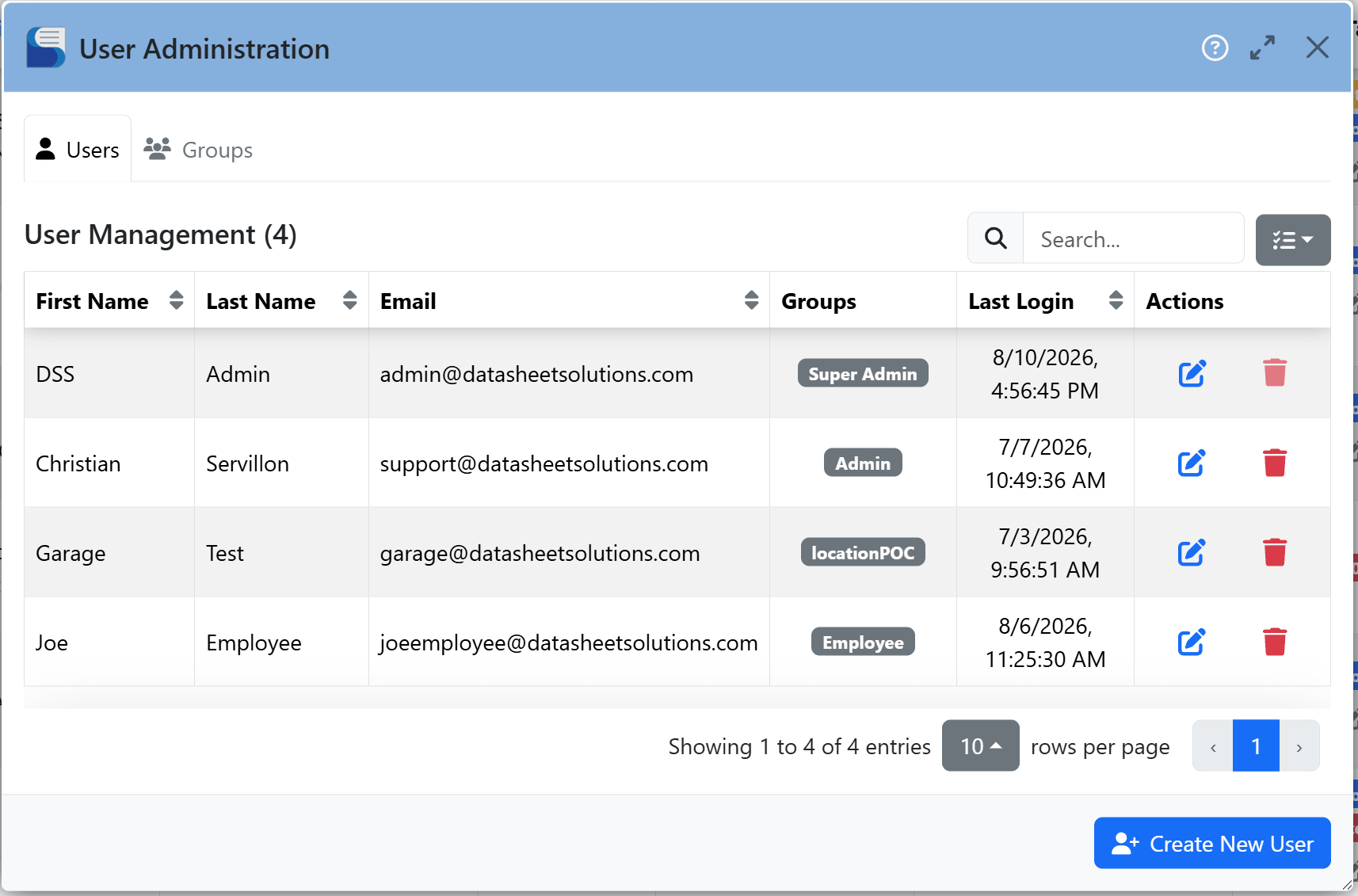
Use broad administrative access where it is appropriate, limit a Location POC to selected locations or change the employee portal access model as your organization requires.
Use groups and permissions to distinguish system-wide administrators from people who work with selected locations.
Choose unrestricted access, employee login, an IP allowlist or email verification from the portal settings.
Autopilot customers can pair required employee login with available single sign-on options.