
Build a flexible hierarchy
Use locations for shelves, rooms, buildings, departments, regions or any other structure that fits your organization.
Organize your SDS library around the way your workplace operates—from a single cabinet to departments, properties, sites, regions or a nested facility structure.
Locations can represent physical places or operational groupings. Administrators can build and edit a location tree, assign chemicals to one or more locations and delegate location-focused access to a Location POC.
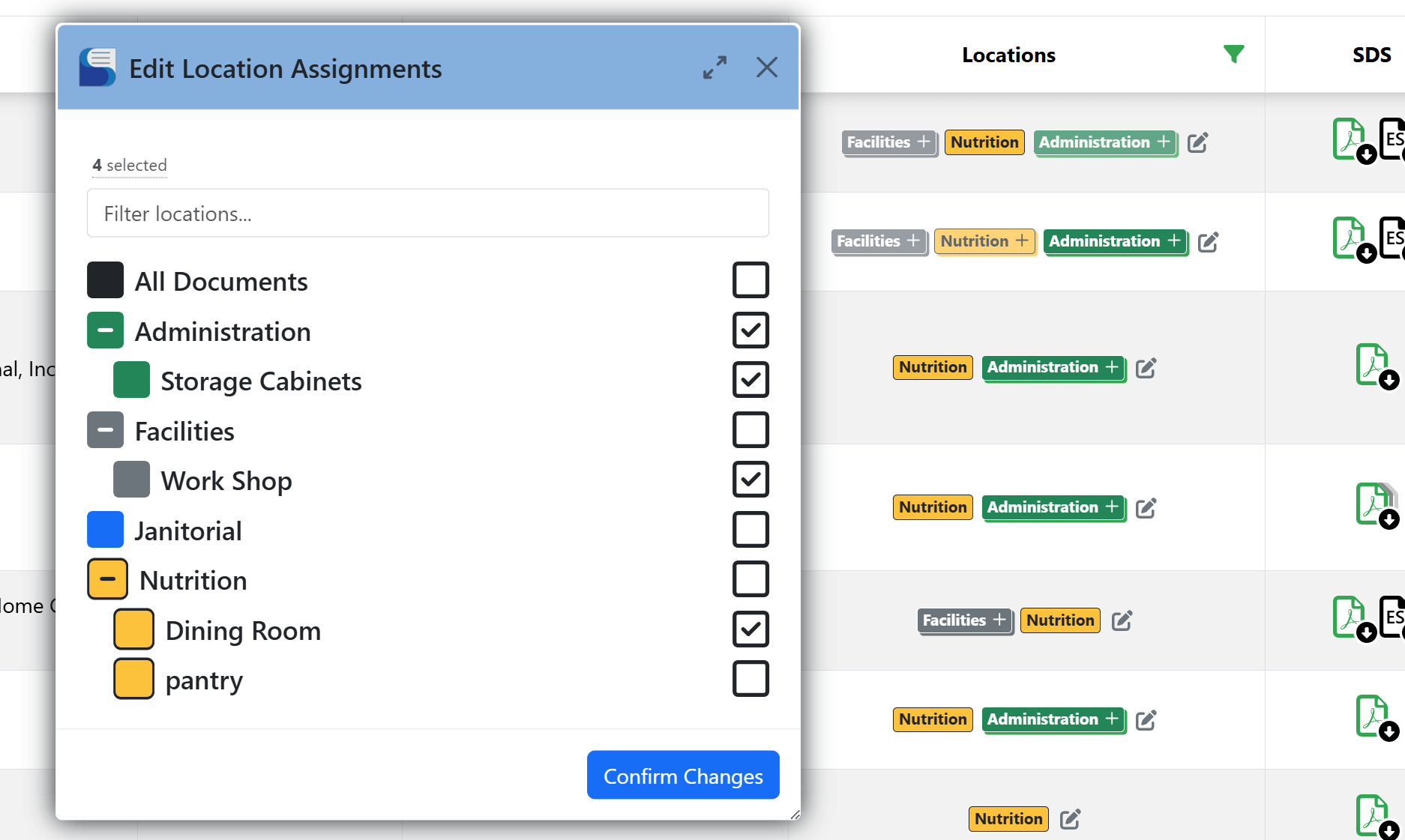
Location organization helps administrators focus inventory work, helps employees narrow searches and lets each site or work area retain the records that matter to it.
Use locations for shelves, rooms, buildings, departments, regions or any other structure that fits your organization.
Location POC accounts can focus on the chemicals and locations assigned to them without broad administrative access.
Carry location filters into reports and review inventory status for the part of the organization you are working on.